
Nov 27, 2026 · 7 min
What to automate first with AI (and what can wait)
The list of automatable processes is long. Choosing the first one well is what shapes everything else.
Services
AI Solutions DevelopmentCustom AI TrainingsAI Workspace SetupIndustries
ManufacturingEcommerceHR AgenciesForeign TradeAccounting FirmsMarketing AgenciesInsuranceHealth ServicesLegal & NotaryReal EstateFinancial ServicesLogisticsTwo ways to automate with different tools, and a sensible way to combine them.
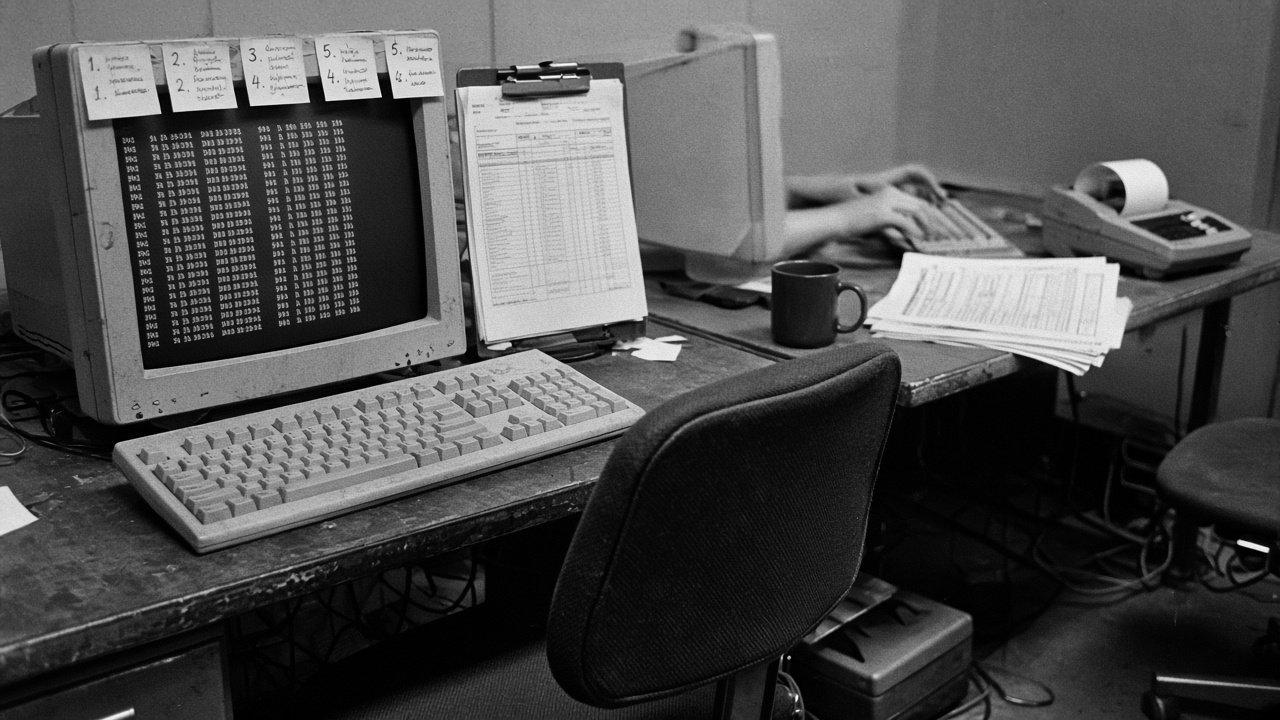
Automating with RPA and automating with AI agents sound alike, and they solve different problems. RPA repeats a fixed sequence of steps on a system's screen. An AI agent is used when information arrives in variable form and has to be interpreted before acting. To choose, it helps to look at the process: if it is stable and predictable, fixed rules are enough; if it changes from case to case, AI comes in; and in many cases the two pieces are combined, with a person reviewing anything sensitive.
RPA stands for robotic process automation. These are programs that reproduce what a person would do at the computer: open a screen, copy a value, paste it into another system, press a button. They follow fixed rules defined in advance.
Strengths:
Limits:
It is a system built on AI models that, besides answering, can act in other tools within a list of actions someone defined: look up a value, fill in a field, create a task or route a case. Its value lies in being able to work with information that arrives different each time. How it differs from a chat is explained in what an AI agent is.
Strengths:
Limits:
| Aspect | RPA | AI agent |
|---|---|---|
| What it does | Repeats fixed steps on the screen | Interprets information and chooses the next step within allowed actions |
| Input information | Structured and stable | Variable: PDFs, emails, free text |
| Faced with an exception | Stops or fails | Can resolve some and hands the rest to a person |
| Faced with a format change | The sequence must be reprogrammed | Tolerates small changes |
| Systems without an API | Can operate them from the screen | Needs some form of data access, or relies on a connection piece |
| Predictability | High | Lower; offset with human approval and a record |
| Maintenance | Adjustments when screens change | Adjustments to instructions, permissions and new cases |
RPA makes sense when the process is stable, data always arrives the same way and the system offers no other way to connect. For example, moving a fixed-format list into a system that can only be operated through its screen every day.
An AI agent makes sense when information arrives different each time or text has to be interpreted: invoices from hundreds of suppliers, customer emails with orders or complaints, documents each team builds its own way.
A direct integration makes sense when the system can be connected through an API, a read-only database or scheduled exports. It is the most stable of the three, because it depends neither on the screen nor on interpretation. The alternatives are covered in integrating with legacy systems.
Not automating yet makes sense when the process is messy. It needs to be simplified first, and the guide to AI process automation explains how to choose and organize the first one.
In many administrative processes the two technologies complement each other. An example with supplier invoices:
Each tool does what it does best, and risk stays contained: anything sensitive always has human approval.
Interest in AI agents grew fast, and with it the promises. Gartner forecasts that more than 40% of agentic AI projects will be canceled by the end of 2027 because of escalating costs, unclear business value or inadequate risk controls (press release of June 25, 2025). It also warns that many products are rebranded as agents without being so, including RPA-type automations, and that several use cases presented as agentic do not need an implementation of that kind. Its recommendation is to use agents where decisions are needed, automation for routine workflows and assistants for simple retrieval.
The practical reading is to start with a contained process, with a measurable result, and to pick the simplest tool that solves it. Often that tool is a fixed rule; at other times, an agent with a short list of actions.
In companies with traditional systems and no API, RPA shows up as a shortcut, and it can be one for a while. It is best treated as a bridge. Every sequence that depends on the screen is tied to the current version of the system, and each change affects it. An alternative is to build a connection piece that reads and writes the system's data in a controlled way, and that later serves more than one process. It is the same step-by-step approach described in modernizing legacy systems without stopping the company.
Whether it is RPA, agents or integrations, whatever gets built has rules, instructions and access that the company needs to be able to know and change. If they live inside someone else's tool, without documentation or access to the code, every adjustment depends on the provider and the situation described in vendor dependence repeats. For processes that are specific to how the company operates, a simple, custom-built piece often makes sense, with code and documentation in the company's name.
RPA and AI agents share the work according to how much the information varies. RPA precisely executes what is stable and AI agents handle what arrives messy, with a person approving what is sensitive. When the system can be connected directly, a simple integration beats both. In any case, what helps a company's independence most is that whatever gets built is documented, easy to adjust and in its name.
It is robotic process automation: programs that reproduce a person's actions on a system's screen, such as opening a screen, copying a value and pasting it elsewhere, following fixed rules.
RPA repeats fixed steps and works when information always arrives the same way. An AI agent works with variable information, such as PDFs or emails, and chooses the next step within a list of allowed actions.
In some processes yes, in others they complement each other. Where information varies a lot, AI resolves what RPA cannot. Where the process is stable and the system can only be operated through its screen, RPA remains useful.
Yes, and it is common. AI reads and organizes the information, fixed rules validate, RPA or a connection piece enters the data into the system and a person reviews the exceptions.
It works as a bridge, because it operates on the screen. Its limit is that every sequence is tied to the current version of the system. A connection piece that reads and writes data in a controlled way is usually more stable in the long run.
Low code refers to platforms for building applications and flows with little programming. RPA automates tasks by repeating actions on the screens of existing systems. They can be used together, and the choice depends on whether a new application is needed or the use of an existing one has to be automated.
When the process always follows the same sequence and the data arrives the same way, because a fixed rule is simpler, more predictable and cheaper to maintain. Also when decisions that move money or go out to customers would be taken with no human review at all.
About Ambolt. Ambolt builds modern, simple software tailored to each company's operations, with AI where it helps, so business leaders can shape and launch their ideas with autonomy.
 Ramiro MoyanoPartner at Ambolt StudioPublished
We specialize in finding areas to optimize your company's operations, making them leaner, faster and more productive.
Talk to us →