Nov 26, 2026 · 6 min
ERP with artificial intelligence: how to add AI without changing systems
There are two ways for it to reach operations, and only one leaves the keys with the company.
Services
AI Solutions DevelopmentCustom AI TrainingsAI Workspace SetupIndustries
ManufacturingEcommerceHR AgenciesForeign TradeAccounting FirmsMarketing AgenciesInsuranceHealth ServicesLegal & NotaryReal EstateFinancial ServicesLogisticsAlmost every mid-sized company has a management system. And almost every one has a spreadsheet next to it filling the gaps.
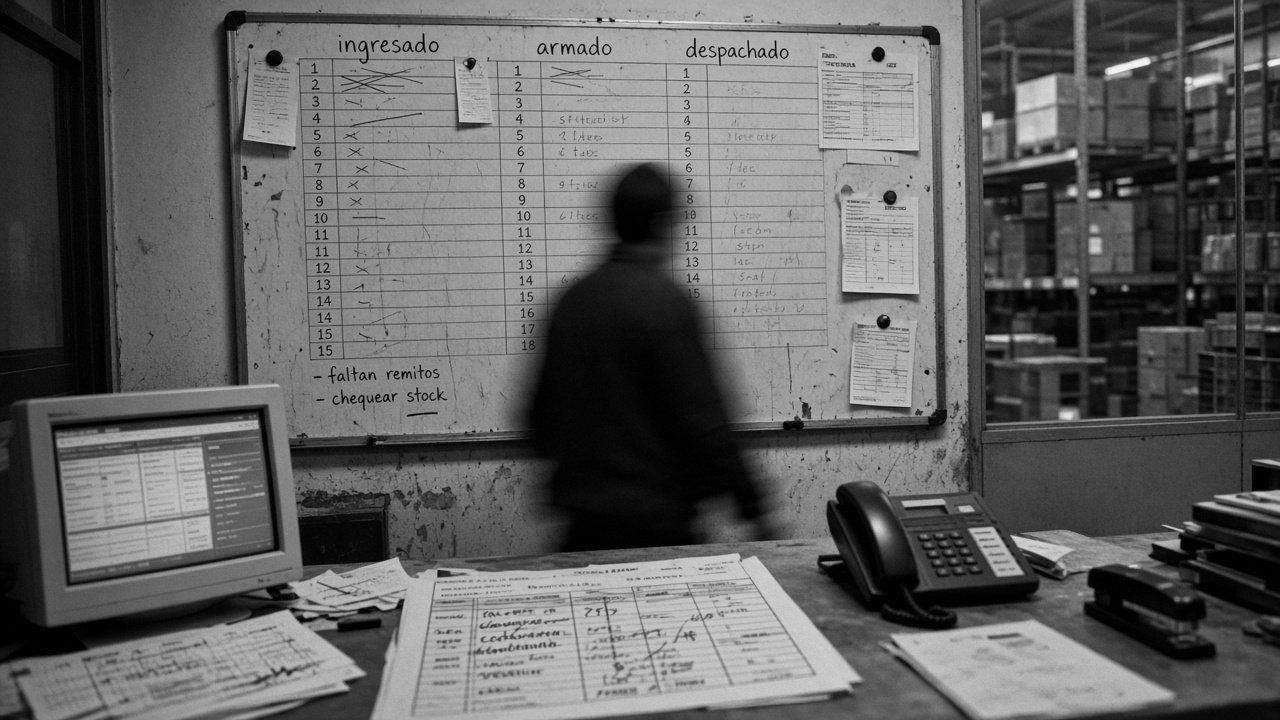
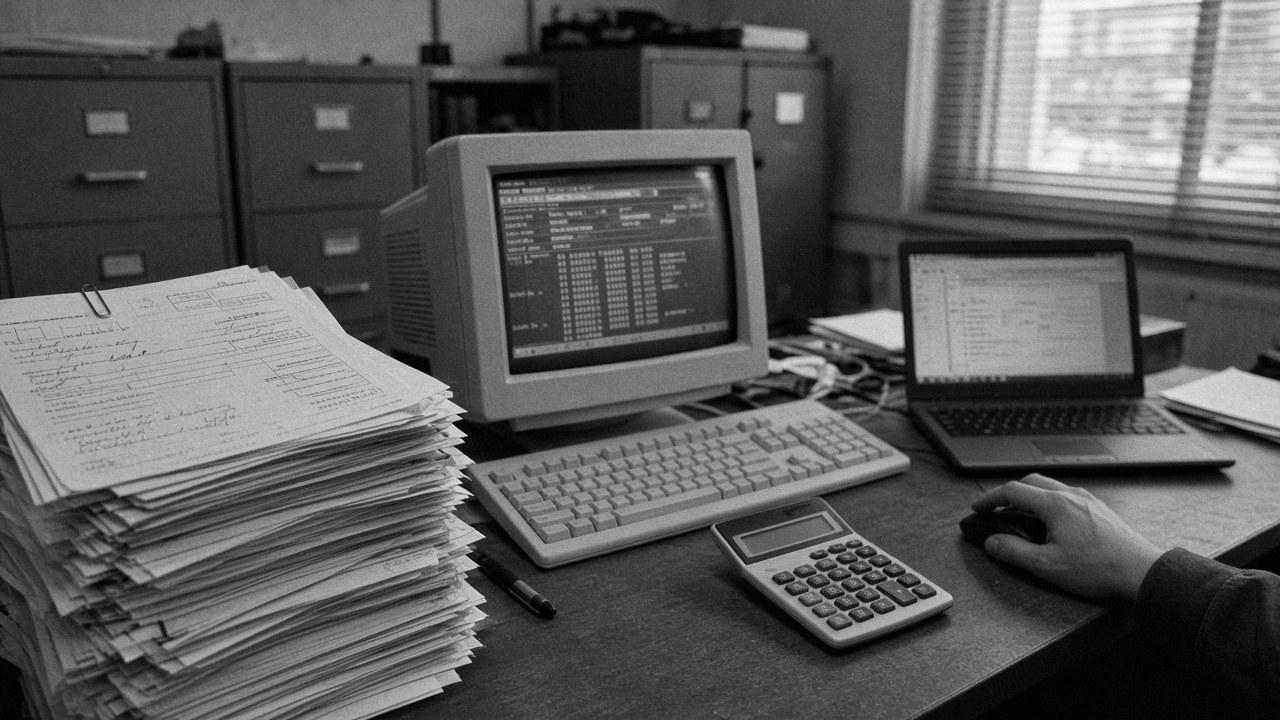
At many mid-sized companies, the management system handles invoicing, payroll and accounting. But orders arrive by email and get typed in again, purchases are approved over chat, real stock is tracked in a spreadsheet and delivery status is written on a whiteboard. In a company like that, process digitalization is mostly about organizing and connecting the work that ended up around the core system, one process at a time and without waiting to change the ERP.
Digitalizing a process means getting information entered once, in digital form, and having it reach whoever needs it on its own, with clear statuses and owners. It usually moves through three levels:
Each process can sit at a different level, and not all of them need to reach the third.
Having a management system and having digitalized processes can be quite far apart. The Annual Operational Excellence Report from Universidad Austral, cited by Infobae, found that 53% of the Argentine companies surveyed use an ERP or similar system for their supply chain, while 30% still plan it on paper or spreadsheets. Only 4.84% reach a level of operational or digital maturity.
The gap has a fairly simple explanation. Traditional ERPs are designed for standard processes, and each adaptation to a company's particular way of working usually means a new module, consulting hours or months of waiting. Meanwhile, operations don't stop: the team solves things with what's at hand, and what's at hand is a spreadsheet, an email or a group chat.
| Process | How it usually works today | What it looks like digitalized |
|---|---|---|
| Order intake | Orders arrive by email or chat and someone re-enters them | A portal or form connected to the system, where the order is entered once |
| Purchase approvals | Email chains and paper signatures | A flow with statuses, amounts and defined approvers |
| Supplier invoices | Typed in by hand from the PDF | Read automatically, with a person reviewing only the unclear cases |
| Delivery tracking | Phone calls to find out where each order is | A status visible to the team and to the customer |
| Management report | Assembled by hand every month from three systems | A dashboard that updates itself |
| Supplier documentation | Folders and emails with expiration dates that slip | An upload portal with expiration alerts |
Almost all of them share something: the core system stores the final result, but the path to get there runs outside it.
What tends to be hardest when digitalizing is fitting the new piece into day-to-day operations. In EY's 2026 survey on challenges for companies in Mexico and Latin America, among Mexican companies that have digital transformation as a priority, 39% name implementing and integrating platforms, systems and tools into operations as their main challenge.
That's why it usually works better to add small pieces that read and write data from the existing system, instead of replacing it all at once. Operations keep running, each piece is tested on its own, and the old system gradually takes on a narrower role. It's the same approach that helps modernize a legacy system in parts, applied process by process.
There's one condition for this to add independence: the code, data and documentation of each piece must belong to the company. Without that, one form of vendor lock-in just gets swapped for another.
AI has widened the kind of work that can be digitalized. Reading invoices, delivery notes and purchase orders in PDF, sorting customer emails or pulling data from documents that each arrive in their own format were tasks that depended on a person. Today a good share of that can be automated, with someone reviewing the cases where the system isn't sure.
It has also lowered the cost of building. A custom tool for a specific process, which a few years ago didn't justify the investment, can now be up and running in weeks. That changes the math: many processes that stayed in a spreadsheet because they weren't worth touching are now worth it.
In a company running traditional ERPs or legacy systems, process digitalization moves faster when it focuses on what ended up around the core system: orders that get re-entered, approvals over chat, reports built by hand. Each digitalized process also leaves something that isn't obvious at first: clean data, entered once, that makes the next process, the dashboards and any later use of AI easier. And when the discussion about what to do with the core system arrives, it will happen with more orderly operations and without the pressure of changing everything at once.
It means getting a process's information entered once, in digital form, and having it flow on its own between the people and systems that need it, with visible statuses and owners.
Digitalizing means moving the information and workflow into a digital tool. Automating is the next step: having the repetitive tasks in that flow, like sending notices, generating documents or moving data between systems, happen without manual work.
The ones with a visible cost: double data entry, delays that affect customers or cash flow, and tasks that depend on a single person. One small process digitalized end to end usually pays off more than several done halfway.
Usually not. Most manual work tends to sit around the core system and can be digitalized with pieces connected to it. The decision about the ERP can come later, with more information and less pressure.
Fewer data entry errors, fewer hours on repetitive tasks, information available when decisions are made, processes that don't stall when someone is out, and a better experience for customers and suppliers.
It's applying this logic to tasks like purchasing, invoicing, collections, employee files or supplier documentation: moving them off loose papers, emails and spreadsheets and into a flow with statuses, owners and data connected to the management system.
About Ambolt. Ambolt builds modern, simple software tailored to each company's operations, with AI where it helps, so business leaders can shape and launch their ideas with autonomy.
 Ramiro MoyanoPartner at Ambolt StudioPublished
We specialize in finding areas to optimize your company's operations, making them leaner, faster and more productive.
Talk to us →